¶ Account Setup
This guide walks you through creating your WellNuo account and getting started with the app.
¶ Creating Your Account
¶ Step 1: Enter Your Email
When you first open the app, you'll see the Welcome screen. Enter your email address to get started.
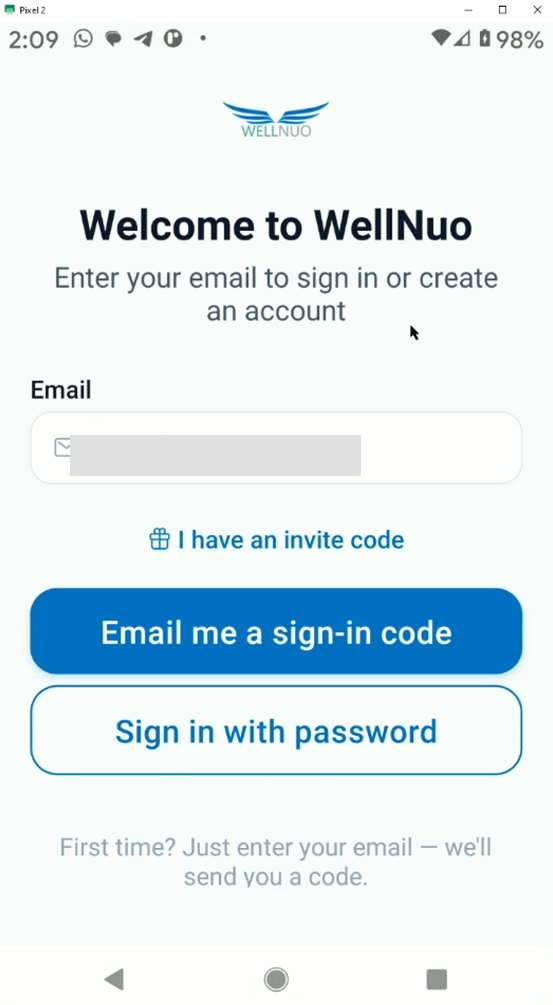
You have two sign-in options:
- Email me a sign-in code: Receive a one-time code via email
- Sign in with password: Use your existing password
If you have an invite code from a family member or care agency, tap "I have an invite code" to enter it.
¶ Step 2: Phone Number Verification
Enter your phone number for emergency contacts and SMS alerts.
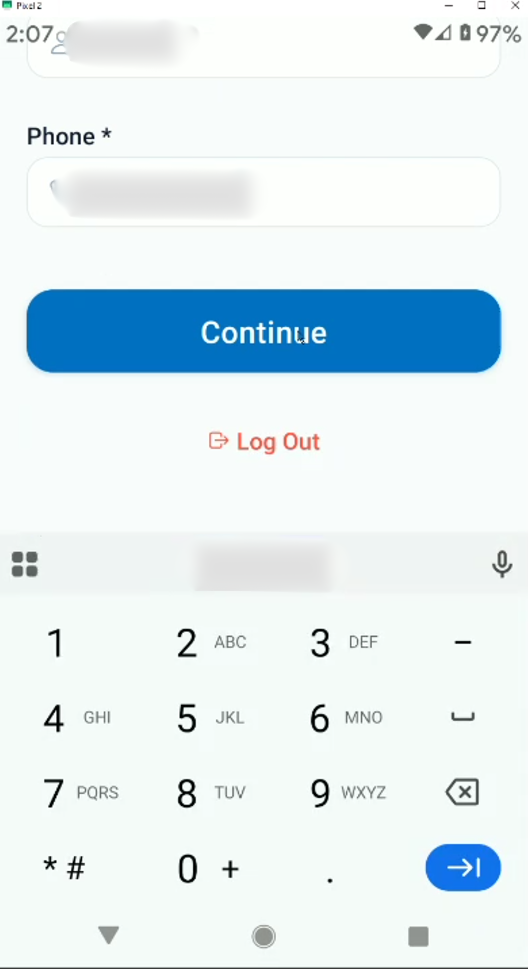
Your phone number is used for:
- Emergency contact notifications
- SMS alerts about activity changes
- Account recovery
¶ Step 3: Terms & Consent
Review and accept the Terms of Service and Privacy Policy.
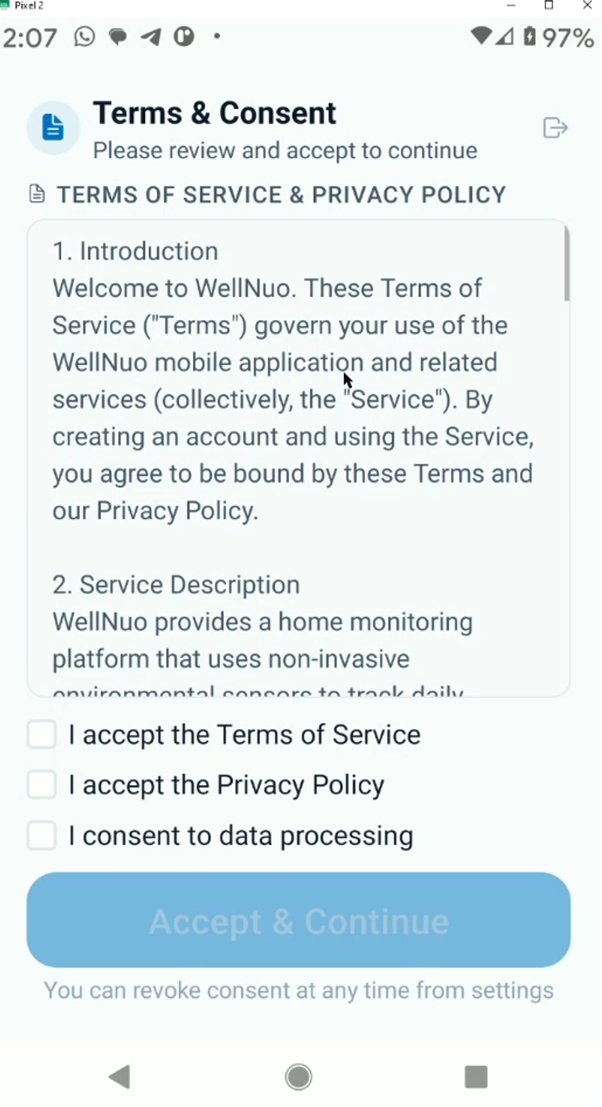
WellNuo is a home monitoring platform that collects activity data to help caregivers understand daily routines. Please read the terms carefully before proceeding.
¶ Step 4: Create a Password (Optional)
You can optionally set a password for your account.
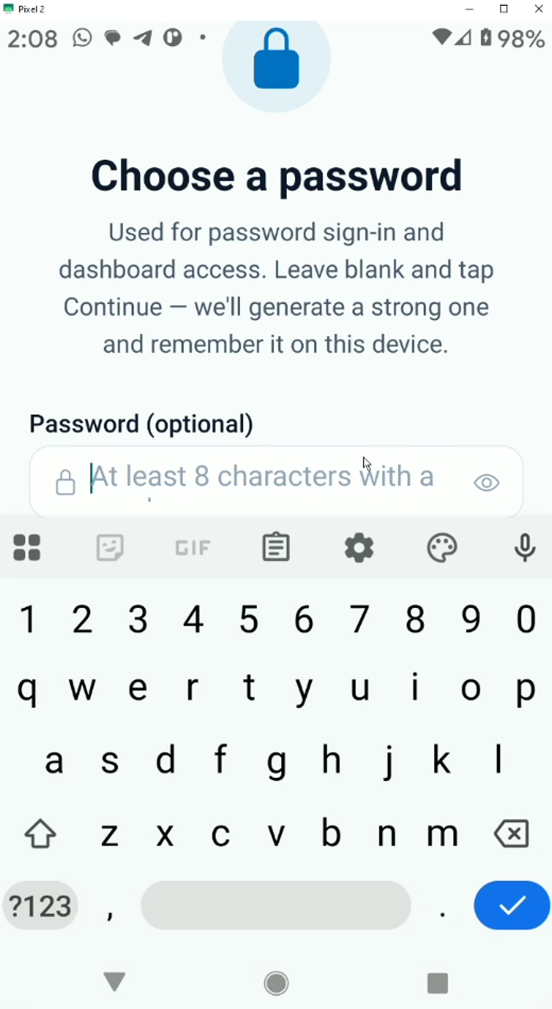
If you skip this step, you'll sign in using email codes instead.
¶ Choose Your Usage Type
After account creation, select how you'll use WellNuo:
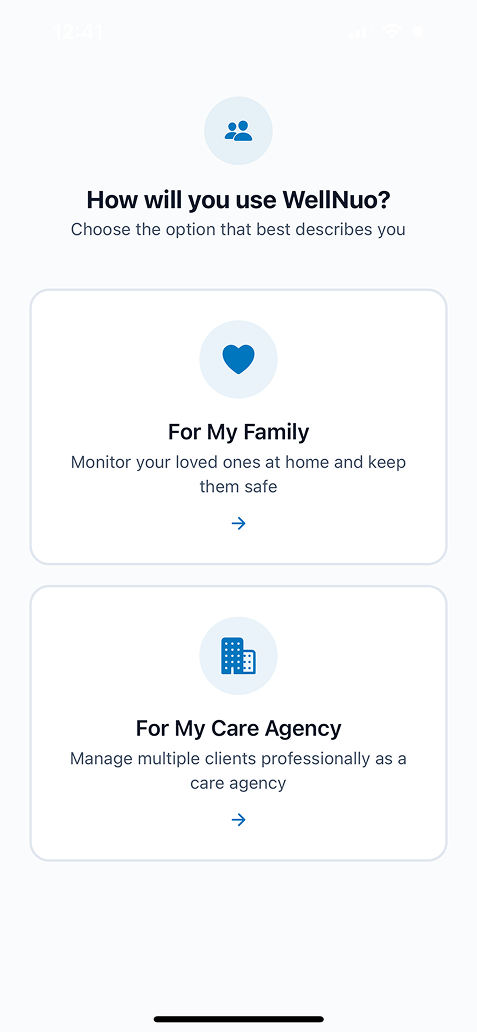
¶ For My Family
Monitor loved ones at home. Perfect for:
- Adult children monitoring elderly parents
- Family members staying connected
- Personal health tracking
¶ For My Care Agency
Manage multiple clients professionally. Ideal for:
- Home care agencies
- Hospitals and clinics
- Residential care facilities
¶ Next Steps
Once your account is set up:
- Order Equipment: Purchase the WellNuo Starter Kit
- Set Up WellPlugs: Install sensors in each room
- Add Beneficiaries: Set up the people you'll be monitoring
- Configure Alerts: Customize notification preferences
Previous: WellNuo Mobile Application | Next: Dashboard Overview