¶ Profile & Settings
The Profile tab contains your account settings, preferences, and support options.
¶ Profile Menu
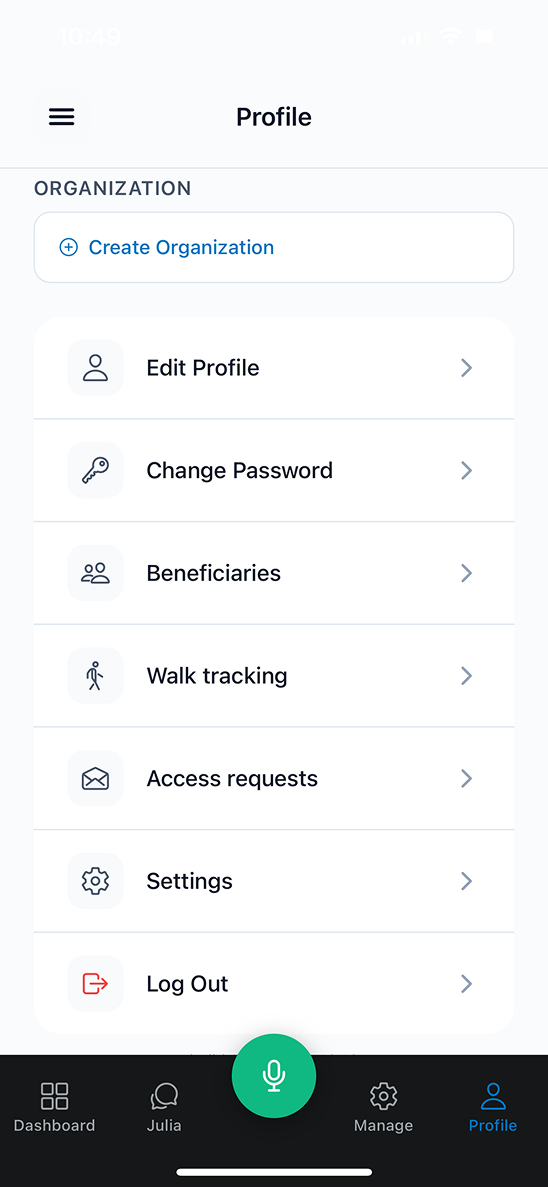
Access your profile by tapping the Profile icon in the bottom navigation.
¶ Menu Options
- Edit Profile: Update your personal information
- Change Password: Secure your account
- Walk Tracking: Monitor walking activity (for beneficiaries)
- Settings: App preferences
- Help Center: Documentation and FAQs
- Contact Support: Get assistance
- Log Out: Log out of your account
¶ Edit Profile
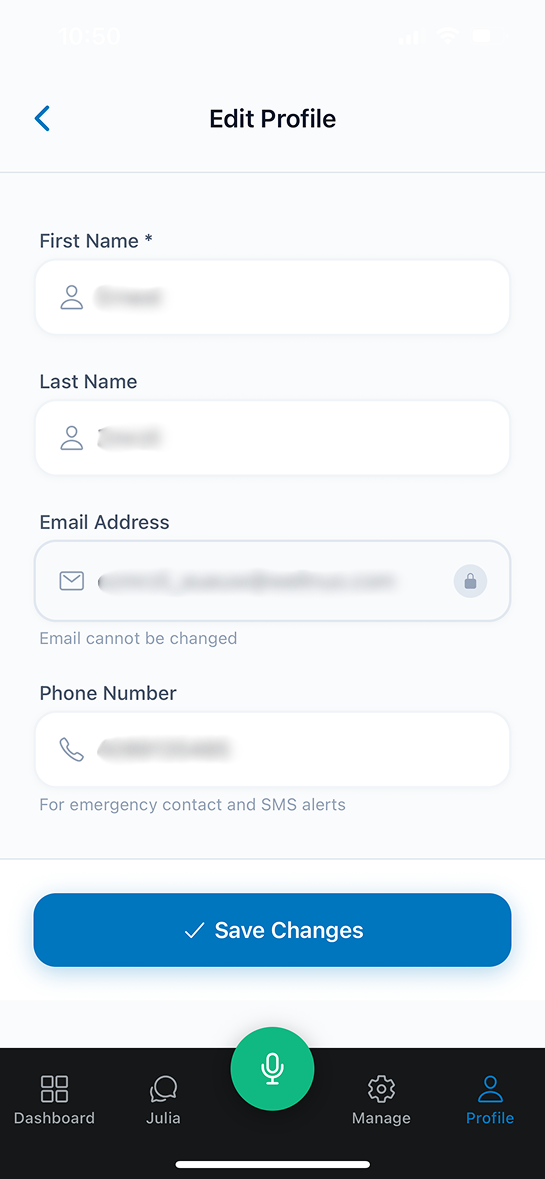
Update your personal information and preferences.
¶ Editable Fields
- First Name: Your given name
- Last Name: Your surname
- Email Address: Your email
- Phone Number: Contact number with country code
Tap Save Changes to store information.
¶ Change Password
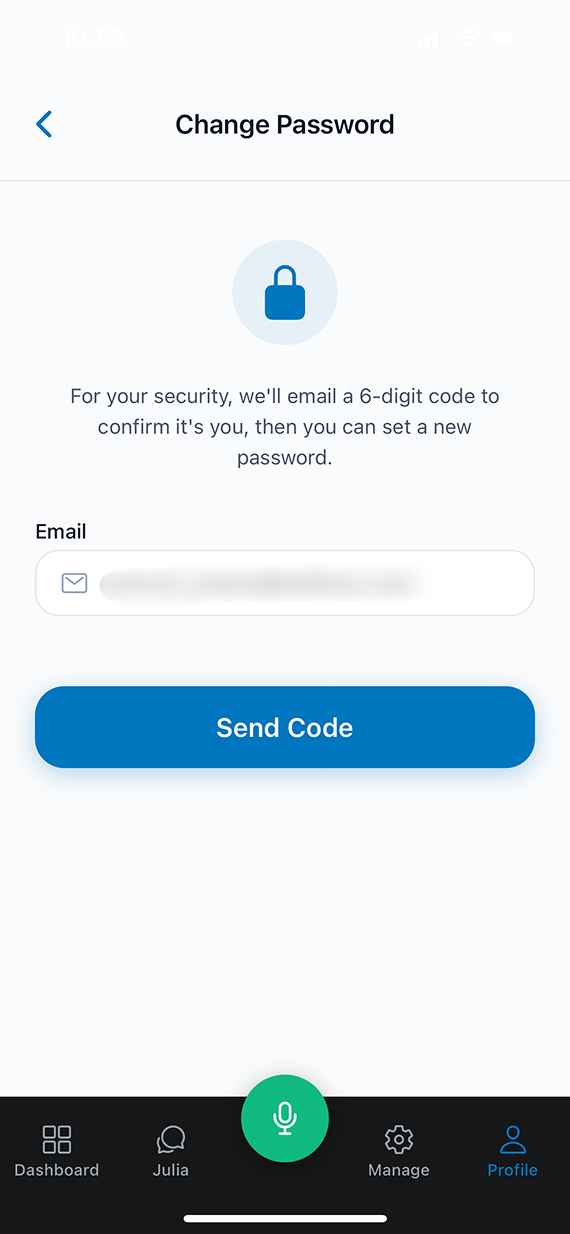
Keep your account secure by updating your password regularly.
¶ Password Requirements
- Enter your current password
- Enter a new password (minimum 8 characters)
- Confirm your new password
- Tap Update to save
¶ Walk Tracking
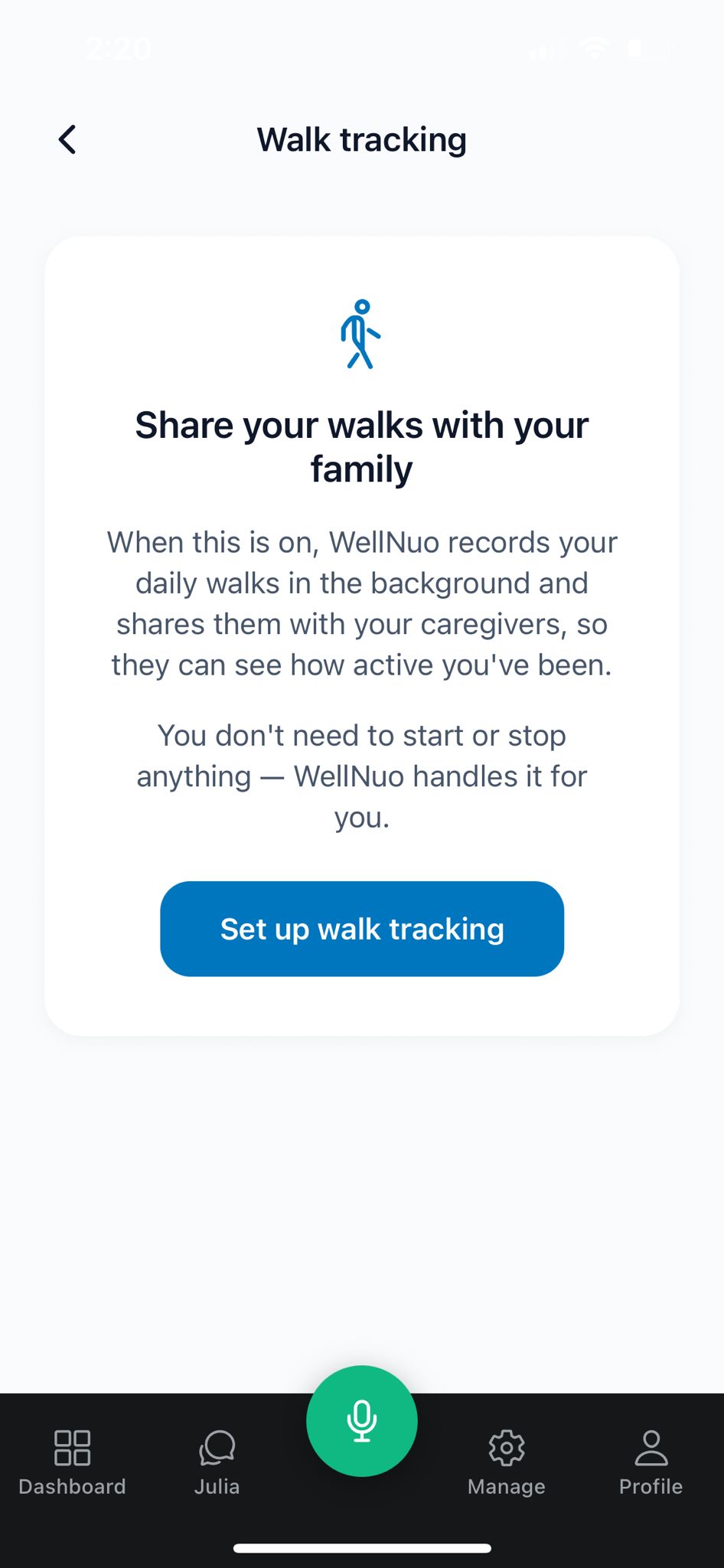
Monitor walking activity and set health goals.
¶ Settings
Configure app behavior and preferences.
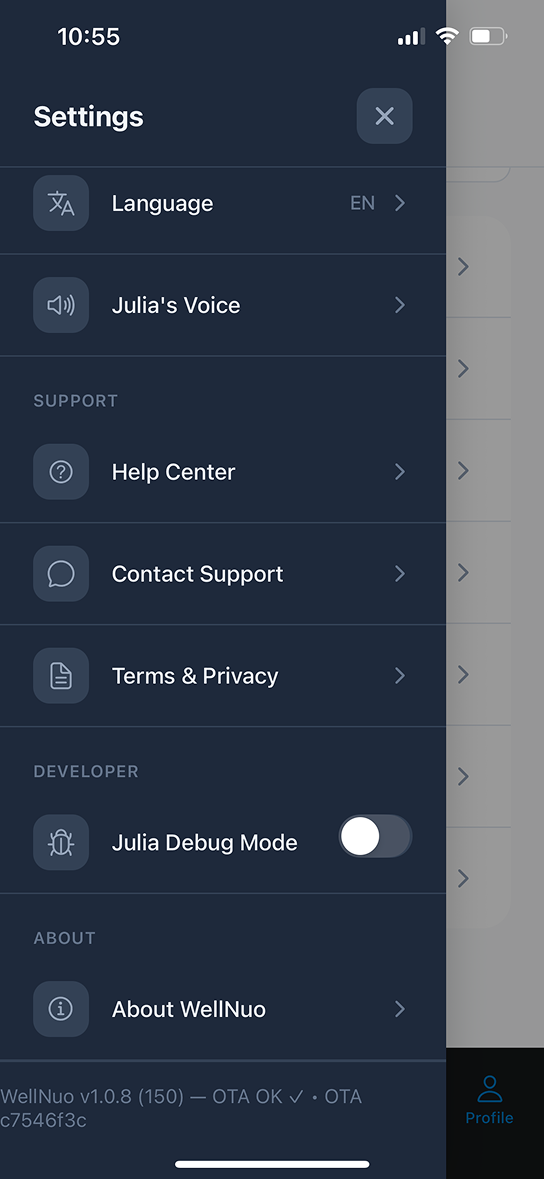
¶ Available Settings
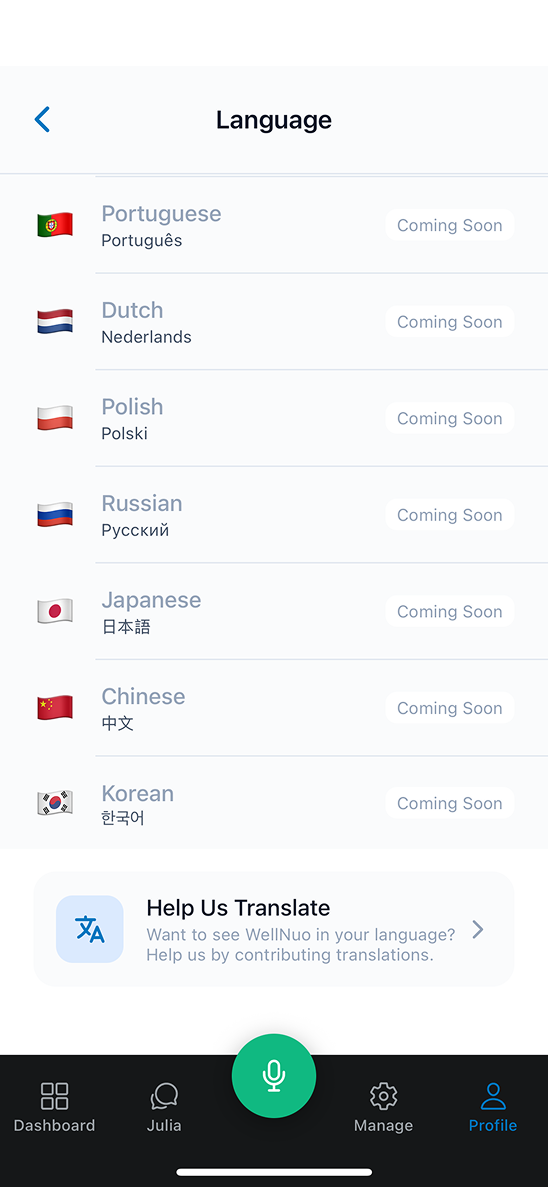
¶ Language
Choose your preferred language:
- English
- Spanish
- French
- German
- And more...
¶ Julia Voice
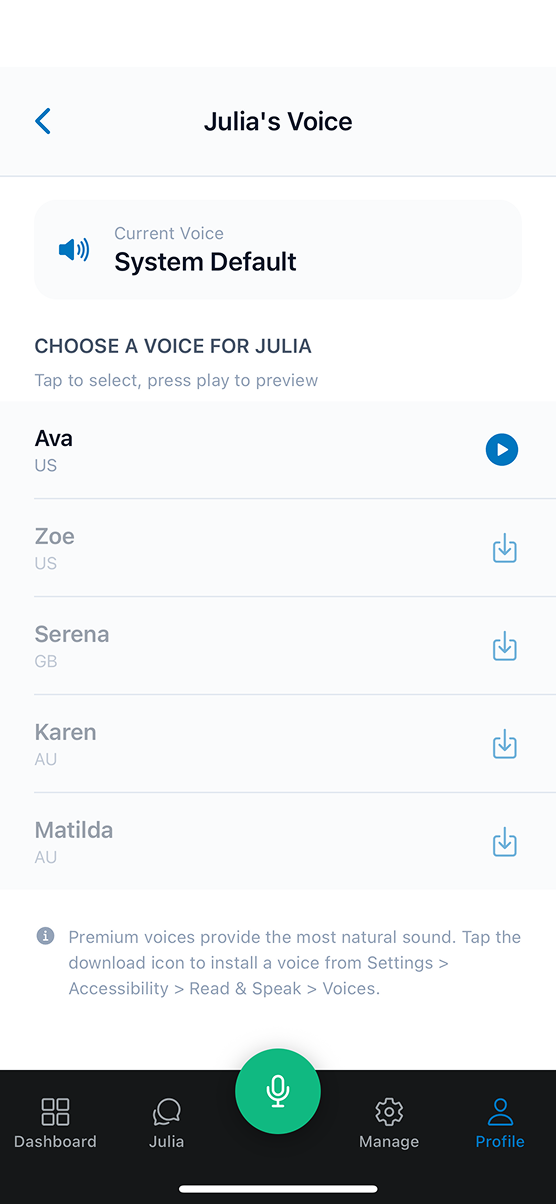
Select and download a voice of your preference.
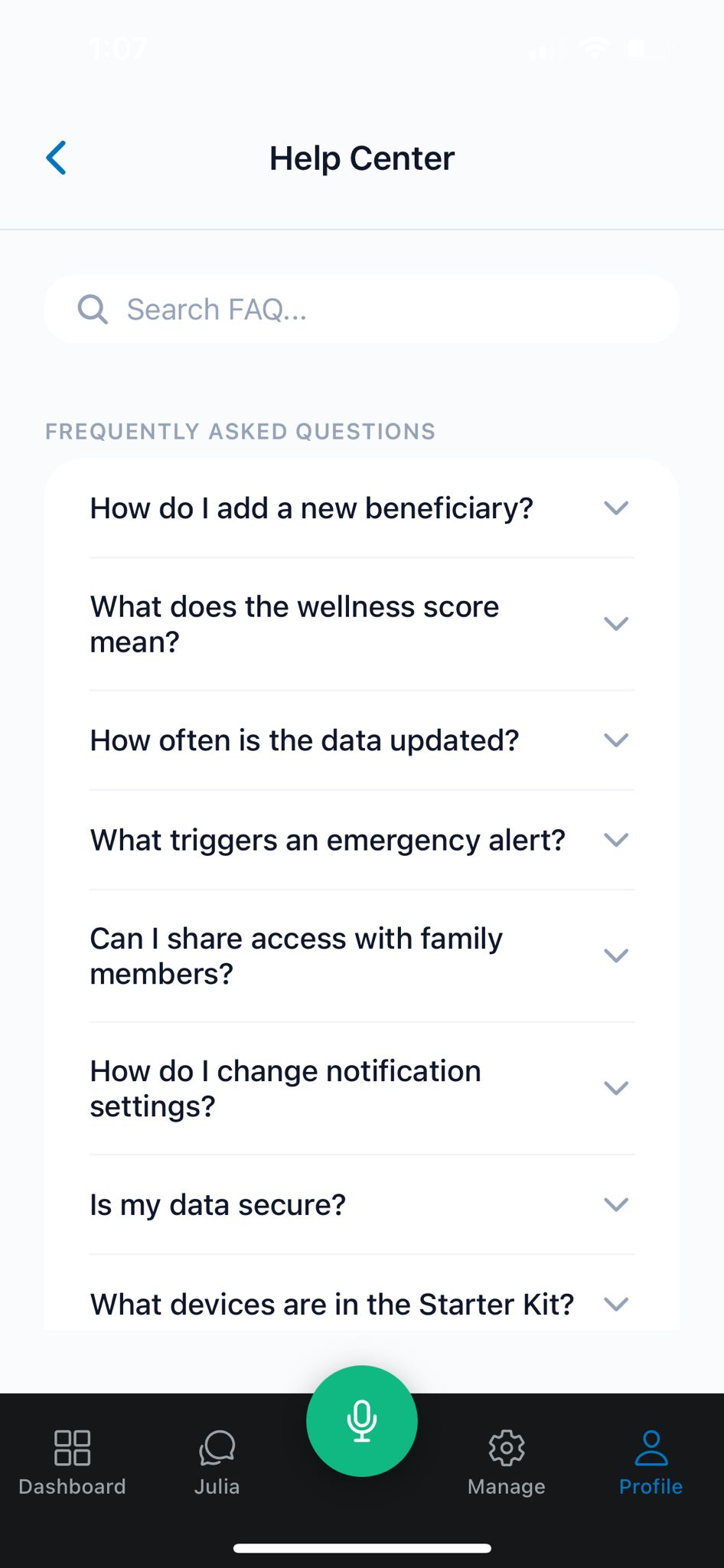
¶ Help Center
Access documentation and frequently asked questions.
¶ Contact Support
Get help from the WellNuo support team.
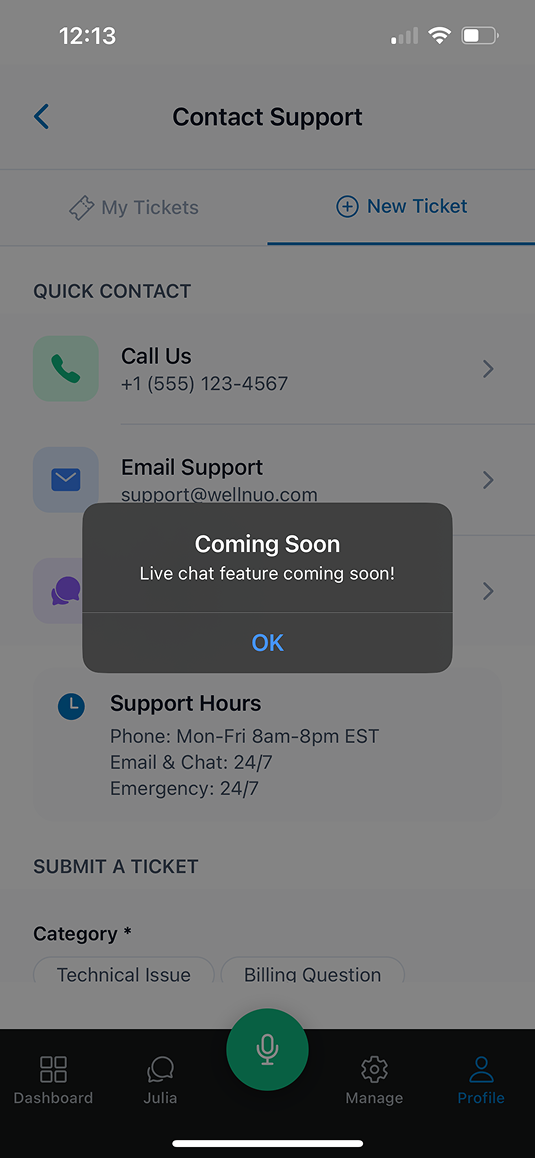
¶ Support Options
- Email: Send a detailed message
- Phone: Call support directly
- Live Chat: Real-time assistance (when available)
¶ Log Out
To log out of your account:
- Go to Profile tab
- Scroll to the bottom
- Tap Log Out
- Confirm when prompted
Your data remains saved on WellNuo servers and will be available when you log back in.
Previous: Managing Beneficiaries | Next: Julia Voice Assistant